Article Series
Local Generative AI × Mac
A series on building a local generative AI environment with an M1 Max MacBook Pro and an M4 Pro Mac mini. Without relying on external APIs, it walks through building, step by step, a system that generates articles and images on the Mac at home.
7 of 7 parts published
- Part 0
Part 0: Building a Local Generative AI Environment with an M1 Max MacBook Pro and an M4 Pro Mac mini
This post is an overview of how to divide roles between an M1 Max MacBook Pro and an M4 Pro Mac mini for running text and image generation locally. It covers how to design the setup not just around raw performance, but also around everyday usability, power consumption, and operating costs. You can read it as a blueprint for building your own generative AI environment at home.
- Part 1
Part 1: Running a Local LLM on an Apple Silicon Mac
This article summarizes the options for using a local LLM on an Apple Silicon Mac, along with the key points to check before getting started. It walks through the differences between Ollama and MLX, how model size relates to memory, and how to choose the first model to try. It is aimed at anyone who wants to ease into a text generation environment that doesn't rely on external APIs.
- Part 2
Part 2: Running Local Image Generation on an Apple Silicon Mac
This post takes a practical look at which apps and models to choose when getting started with image generation on a Mac. It compares the characteristics of Draw Things and ComfyUI, the preparation each requires, and how to choose between them depending on your use case. You'll come away with criteria for deciding how to automate image creation in a local environment.

- Part 3
Part 3: Delegating Generation Jobs from a ConoHa VPS to a Home Mac
This article explains the communication design for safely handing off work from a VPS to the generation environment on a home Mac. It walks through why we avoid direct inbound connections, the job-pulling approach, and the choice of polling. You will come away with the foundations for running article and image generation remotely and reliably.

- Part 4
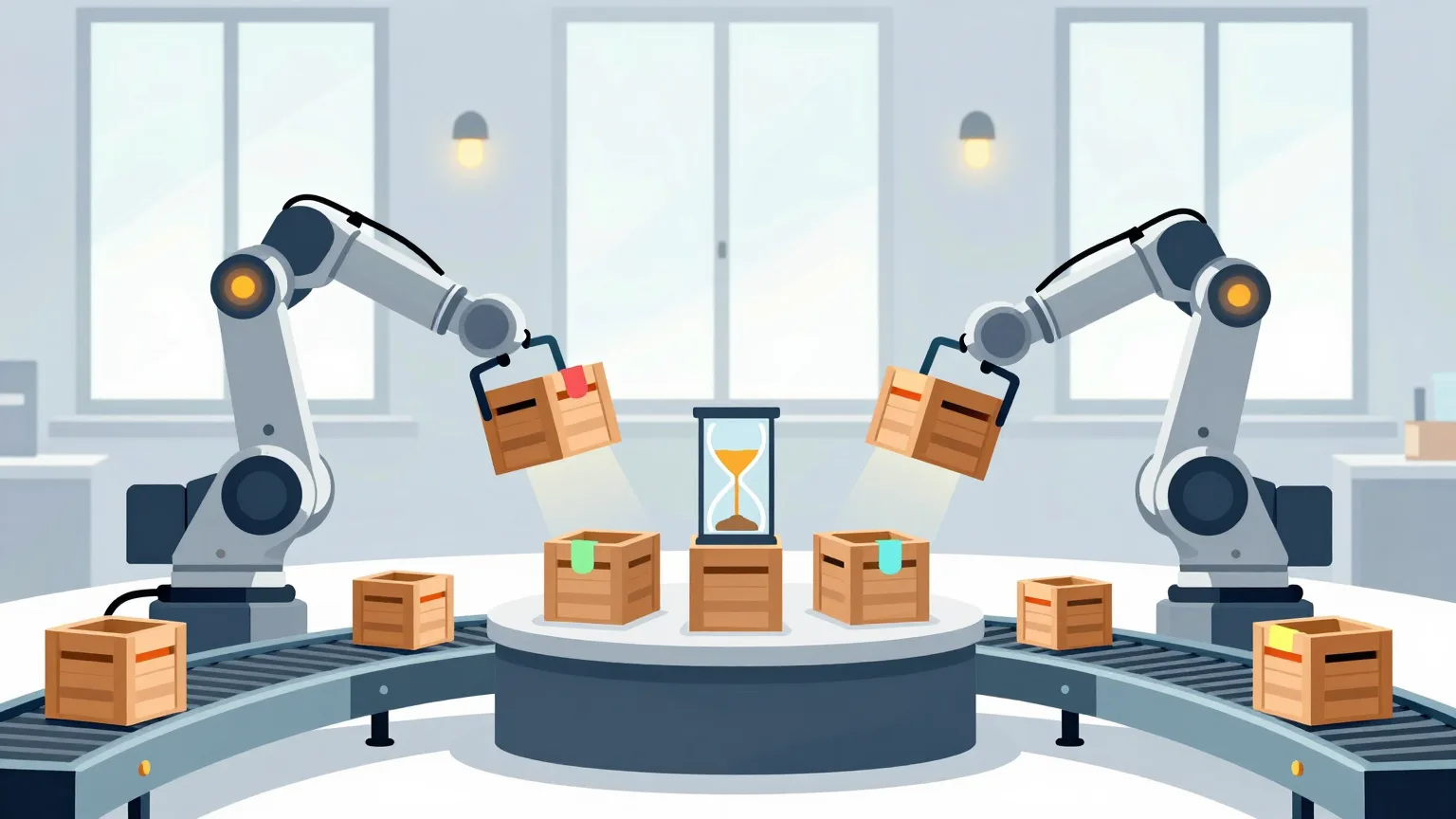
Part 4: Preventing Duplicate Processing and Communication Failures in Local AI Workers
This post covers how to prevent the same work from being processed twice and communication from dropping when running multiple Macs as generation workers. It introduces key points for thinking about job acquisition, in-progress management, and failure handling separately. This is a practical installment on building an automation foundation that keeps running and makes results easy to track.
- Part 5
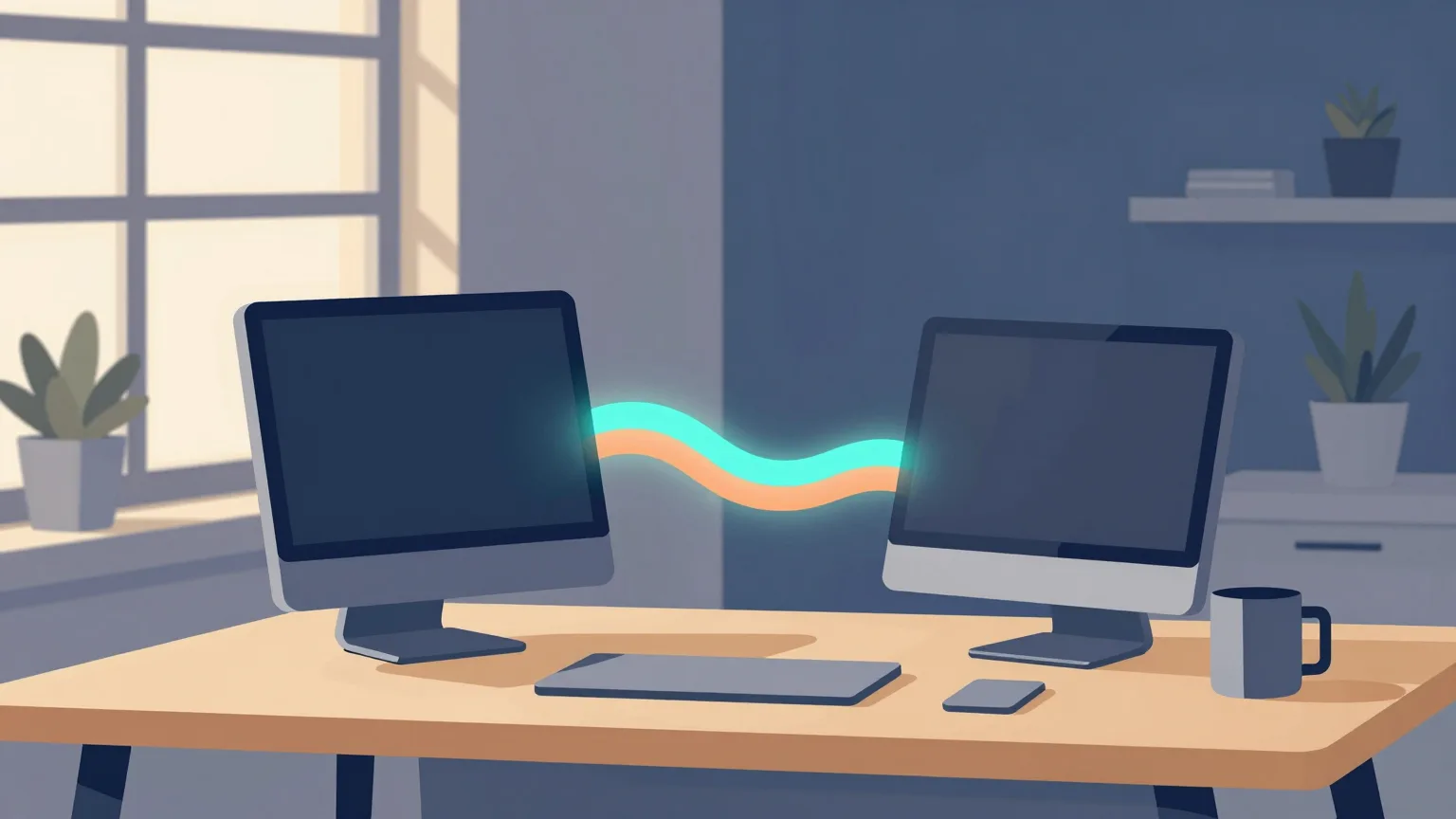
Part 5: Splitting Duties Between a MacBook Pro and a Mac mini as Local AI Workers
This post summarizes an approach for using a MacBook Pro and a Mac mini as local AI workers, each assigned to the work it does best. Beyond raw performance differences, it explains how to reflect always-on operation, portability, and task priorities into the design. You will come away with criteria for running a two-machine setup without waste.
- Part 6
Part 6: Generating Articles and Images with Local Generative AI and Registering Them in Payload CMS
This article walks through the overall flow of registering locally generated text and images into Payload CMS and carrying them through to publication. It explains in what order to automate generation, image processing, registration, and review to make operations easier. You'll learn the final step in putting a local AI environment to work in actual content production.