

In a setup where two machines, a MacBook Pro and a Mac mini, connect to the VPS, simply fetching unprocessed jobs is not enough.
If both Macs claim the same job at the same time, the same article or image ends up being generated twice.
There is also a chance that the Mac that claimed a job goes to sleep, or that an application stops in the middle of generation.
This time, we stabilize job processing using locks, leases, heartbeats, and retries.
Job states

Each job has the following states.
pending
The job has not yet been claimed by any worker.
processing
A worker has claimed the job and started processing it.
completed
The generated result has been successfully returned to the VPS.
failed
Generation failed and the retry limit has been reached.
If needed, you can also add states such as canceled or awaiting review.
Preventing the same job from being claimed twice

When the MacBook Pro and Mac mini query the VPS at the same time, both may find the same pending job.
To prevent this, perform the job claim and the state change as a single database operation.
The processing flow is as follows.
- Select one unprocessed job
- Lock that job
- Change its state to processing
- Record the assigned worker
- Set a lock expiry
- Return the updated job to the worker
During this sequence of operations, no other worker can claim the same job.
The key point is to handle this atomically in the database, rather than selecting the job first and updating its state in a separate operation.
Lease expiration

The Mac that claimed a job will not always be able to finish processing it.
For example, the following situations can occur.
- The Mac went to sleep
- The Mac was restarted
- The home network connection dropped
- Ollama or ComfyUI stopped
- The Python worker crashed
- The machine ran out of memory during generation
If a job stays in the processing state forever, no other Mac can take it over.
So we set an expiry on the job lock.
This is treated as a lease.
The job stores the following information.
- The assigned worker
- Processing start time
- Last heartbeat time
- Lease expiration time
If the worker has not checked in by the time the lease expires, the VPS returns the job to pending.
Heartbeats

Article and image generation can take anywhere from tens of seconds to several minutes.
So that the VPS can tell whether processing is simply taking a long time or the Mac has stopped, the worker sends a heartbeat at regular intervals.
For example, every 30 seconds it sends the following information.
- Job ID
- Worker ID
- Current processing stage
- Elapsed time since processing started
Each time the VPS receives a heartbeat, it extends the lease.
When image generation involves multiple steps, the worker can also report its progress stage.
Example stages include the following.
- loading_model
- generating_text
- generating_image
- upscaling
- uploading
- finalizing
This makes it easy to check the current status from the admin screen.
Reconnecting after communication failures

If the VPS or the home network suffers a temporary outage, the worker reconnects.
However, firing request after request with no pause after a connection failure puts extra load on the VPS while it is struggling.
For that reason, the retry interval is increased step by step.
As an example, we use the following intervals.
- 1 second
- 2 seconds
- 5 seconds
- 10 seconds
- 30 seconds
- 60 seconds
Once the connection succeeds, the wait time is reset to its initial value.
Additionally, a small amount of random jitter is added so that multiple workers do not keep reconnecting at exactly the same moment.
Retrying jobs

If the error is transient, the job is retried.
For example, errors like these.
- Failure to load a model
- Temporary out-of-memory conditions
- Failure to connect to ComfyUI
- Failure to upload to the VPS
- Temporary network disconnection
On the other hand, if the input itself is problematic, no amount of retries will succeed.
For example, cases like these.
- A required field is missing
- A nonexistent model is specified
- An unsupported image size
- An invalid job type
- An incorrect file format
Classify the error types and re-run only the ones that are retryable.
Set a limit on retry attempts; once the limit is exceeded, move the job to failed.
Handling duplicate submissions

Even if generation has completed, the connection can drop while the result is being sent.
Even though it looks like the send failed on the Mac side, the VPS may have already received the result.
Resending as-is could register the same article or image twice.
To prevent this, make sure that running the completion process for the same job ID multiple times does not duplicate the result.
On the VPS side, if the same result arrives for a job that is already completed, it returns a normal response without registering a duplicate.
When a Mac comes back mid-processing

After the MacBook Pro claims a job, the connection may drop, and the Mac mini may take over once the lease expires.
Afterwards, the MacBook Pro might recover and return its old result.
The VPS checks the currently assigned worker and the lease information.
If the job has already been reassigned to another worker, results from the old worker are rejected.
This prevents newer results from being overwritten by older ones that arrive late.
Logging and monitoring

For stable operation, save the following information as logs.
- Job creation timestamp
- The worker that claimed the job
- Processing start and end times
- Processing duration
- Heartbeat history
- Retry count
- Error details
- Model name
- Generation settings
- Size of returned files
There is no need to introduce a sophisticated monitoring system from the start.
Begin by making the processing status visible through the admin screen or log files on the VPS.
Summary
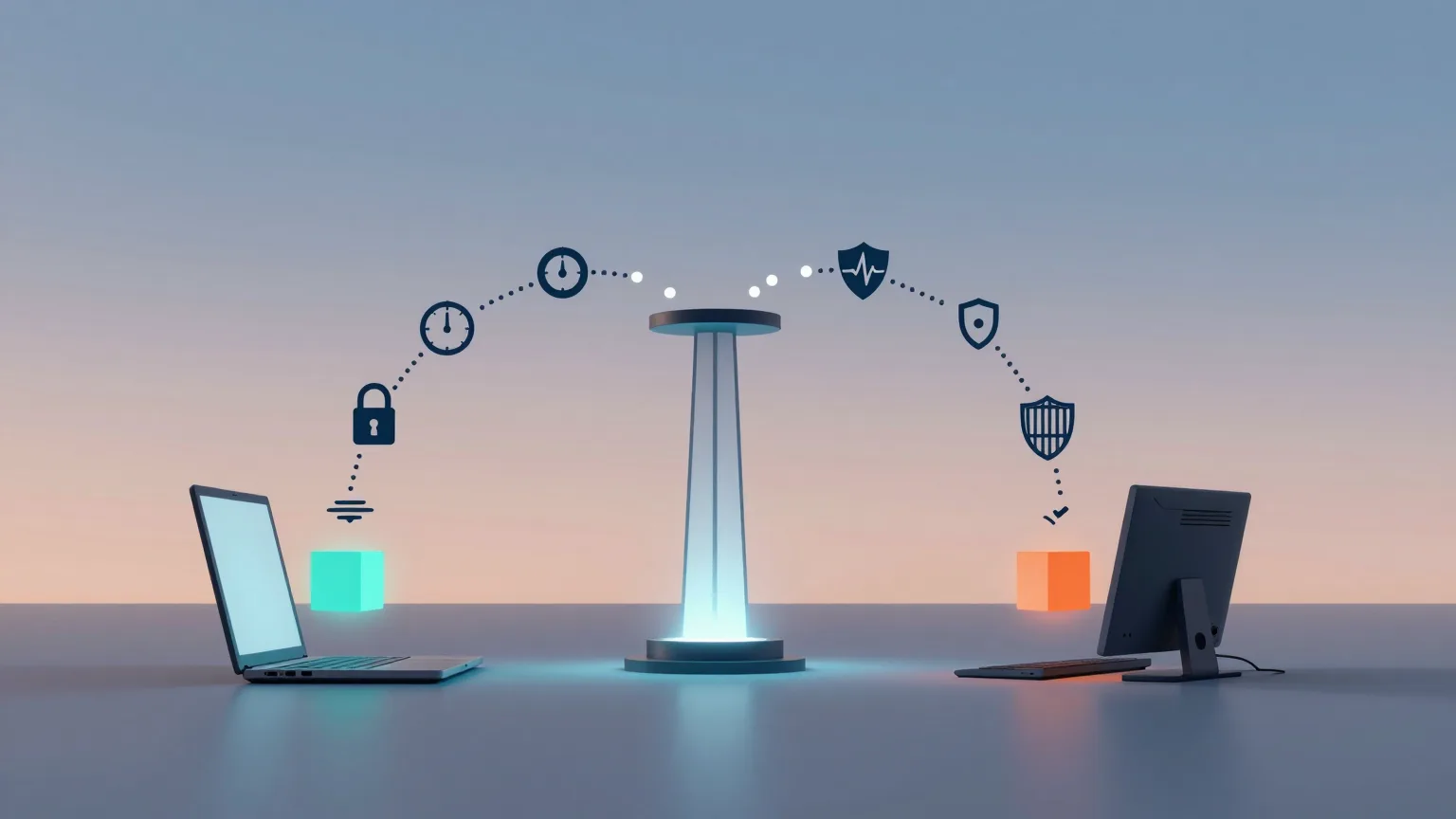
To process generation jobs across multiple Macs, simply fetching unprocessed jobs is not enough.
Combine the following mechanisms.
- Atomic job claiming
- The processing state
- Per-worker locks
- Lease expiration
- Heartbeats
- Retries
- Exponential backoff
- Prevention of duplicate completion
- Rejection of stale worker results
With these in place, even when the MacBook Pro and Mac mini are running at the same time, the same job is far less likely to be processed twice.
Next time, we will look at how to switch between the two Macs depending on the situation: hours when work is being done at home, versus nights and times when you are away.