
When a compromise is suspected, “suspicious files” are not the only thing you need to find. You must also check for the mechanisms that let attackers get back in — in other words, persistence configurations.
In this investigation, we checked the OS, SSH, scheduled jobs, web applications, containers, and external integrations as a whole rather than in isolation. The smaller the server, the more likely a single administrator handles multiple mechanisms — which means there may be more than one way in, and more than one way persistence survives.
1. Unfamiliar Users and Privileges

The first thing we checked was the users on the server and their administrative privileges.
- Whether any unexpected users have been added
- Whether any unnecessary users belong to groups with administrative privileges
- Whether privileges or login shells have been changed recently
- Whether application-specific users are able to log in interactively
Unnecessary accounts are candidates for removal. Before deleting them outright, however, check the files they own, their login history, and any running processes. Accidentally deleting an account used by a legitimate batch job will cause a separate outage after recovery.
2. SSH Public Keys: An Entrance That Outlives Passwords

SSH public key authentication is a secure mechanism, but if a key you don’t recognize has been registered, whoever holds that key can still log in even after the password is changed.
The scope to check is not limited to administrators’ home directories.
- Each user’s authorized_keys
- SSH configuration of administrative accounts, including root
- Whether password login and root login over SSH are permitted
- Login history, and any sudden spikes in failed logins
This time, we took the approach of cleaning up unnecessary accounts and credentials, keeping only what was needed. Ideally, every key should be in a state where you can explain who registered it, for what purpose, and when.
3. cron and systemd — Where Attackers Automatically Come Back

A suspicious program you deleted comes back the next day. When this happens, a scheduled job or service registration is probably still in place.
The places to check are as follows.
- Each user’s cron configuration
- /etc/cron.* and configuration files for scheduled execution
- systemd services and timers
- Scripts executed at boot time
- Executable files placed in temporary or home directories
The important thing is not to judge by filename alone. Even a name that looks like a legitimate process deserves close scrutiny if what it executes, the user it runs as, how often it runs, or the external destinations it communicates with seem unnatural.
4. Web Shells and Public Directories

With CMSs such as WordPress, plugins, themes, and upload areas are all subjects to inspect. Web shells are sometimes placed under names resembling images or cache files, so the file extension alone won’t give them away.
The perspectives to examine are as follows.
- Executable files such as recently updated PHP scripts
- Plugins and themes outside of your management scope
- Executable files in upload directories
- Unnaturally obfuscated code
- Suspicious POST requests or admin-panel login attempts in the web server access logs
That said, never execute suspicious code for the sake of investigation. Limit verification to reading the contents, and if necessary, ask specialists to analyze it in an isolated environment.
5. If You Use Docker, Check Both Outside and Inside the Containers

Containerizing does not automatically make the host safe. Check for unexpected containers, unnecessary exposed ports, suspicious volume mounts, and privileged settings.
Containers that can manipulate the Docker socket have an especially large impact on the host. It becomes essential to verify container names, image names, startup options, and the sources of environment variables against the definitions in your configuration management.
The Goal of the Investigation Is Not to “Find One Suspicious Thing”
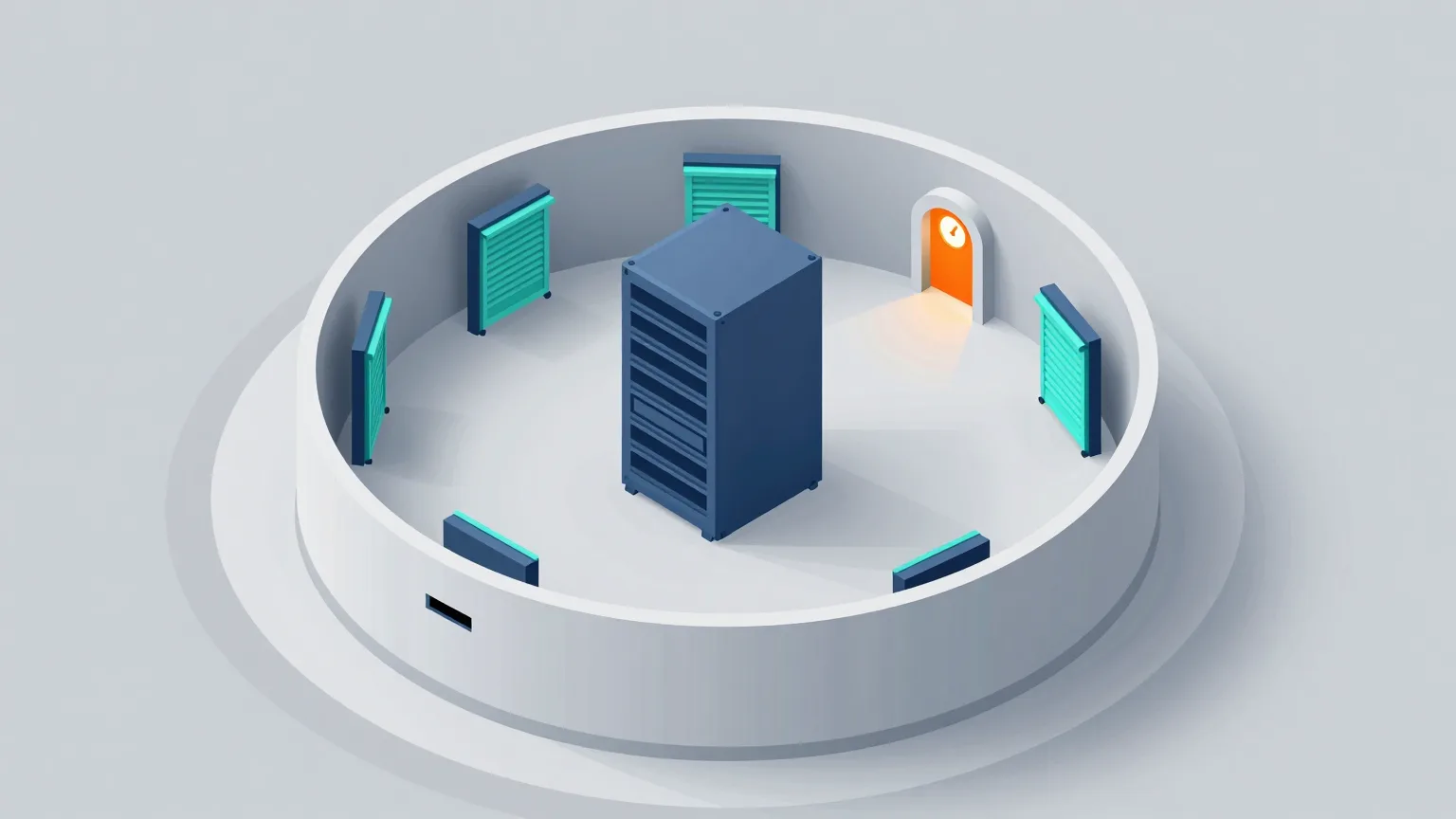
The purpose of an investigation is not to collect peace of mind. It is to systematically eliminate every entrance an attacker could use.
Users, keys, scheduled jobs, services, public directories, containers. Only by checking across all of these can you reduce the risk of things “coming back after you deleted them”.
Next time, we will explain how much of the system should be treated as part of the breach when the logs alone cannot pinpoint the intrusion route.