
We received a report about a client's website: "I can log into the admin panel, but the public site doesn't display properly."
If the admin panel opens, the application itself appears to be alive. But the public side involves factors separate from the admin panel, such as the web server, reverse proxy, containers, network, and storage. On top of that, the server's CPU, memory, and disk usage were also showing signs unusual from the norm at the time.
What you most want to avoid in this situation is jumping straight to restarts or file deletions with a "just get the site back up" mindset. If it's an outage, you delay recovery; if it's a breach, you end up destroying the attacker's traces as well.
Don't Jump to "Infection" — But Err on the Side of Safety

Suspicious processes or high load alone don't confirm a virus infection. A sudden traffic spike, an application bug, a misconfiguration, or disk exhaustion can produce similar symptoms.
At the same time, "we can't confirm it, so let's do nothing" is also dangerous. In this incident, we proceeded on the following principle while keeping the possibility of a breach on the table.
Investigate the cause, but don't wait to secure things.
In other words, in parallel with identifying the cause, you prevent further damage and protect credentials that could be reused. This is a realistic initial response for small-scale server operations.
What We Checked in the First 30 Minutes

What we checked first wasn't just the site's display — it was the state of the entire server.
- Whether CPU, memory, or disk usage has spiked
- Which containers and services are running
- Whether there are any unrecognized processes or outbound communications
- Whether recent login history and administrator accounts show any anomalies
- What the web server and application error logs are showing
The goal at this stage is not to find the culprit. It's to determine: "Is any malicious process still running?" "Can we investigate without stopping legitimate services?" and "Are there entry points we should cut off first?"
What Not to Do Up Front
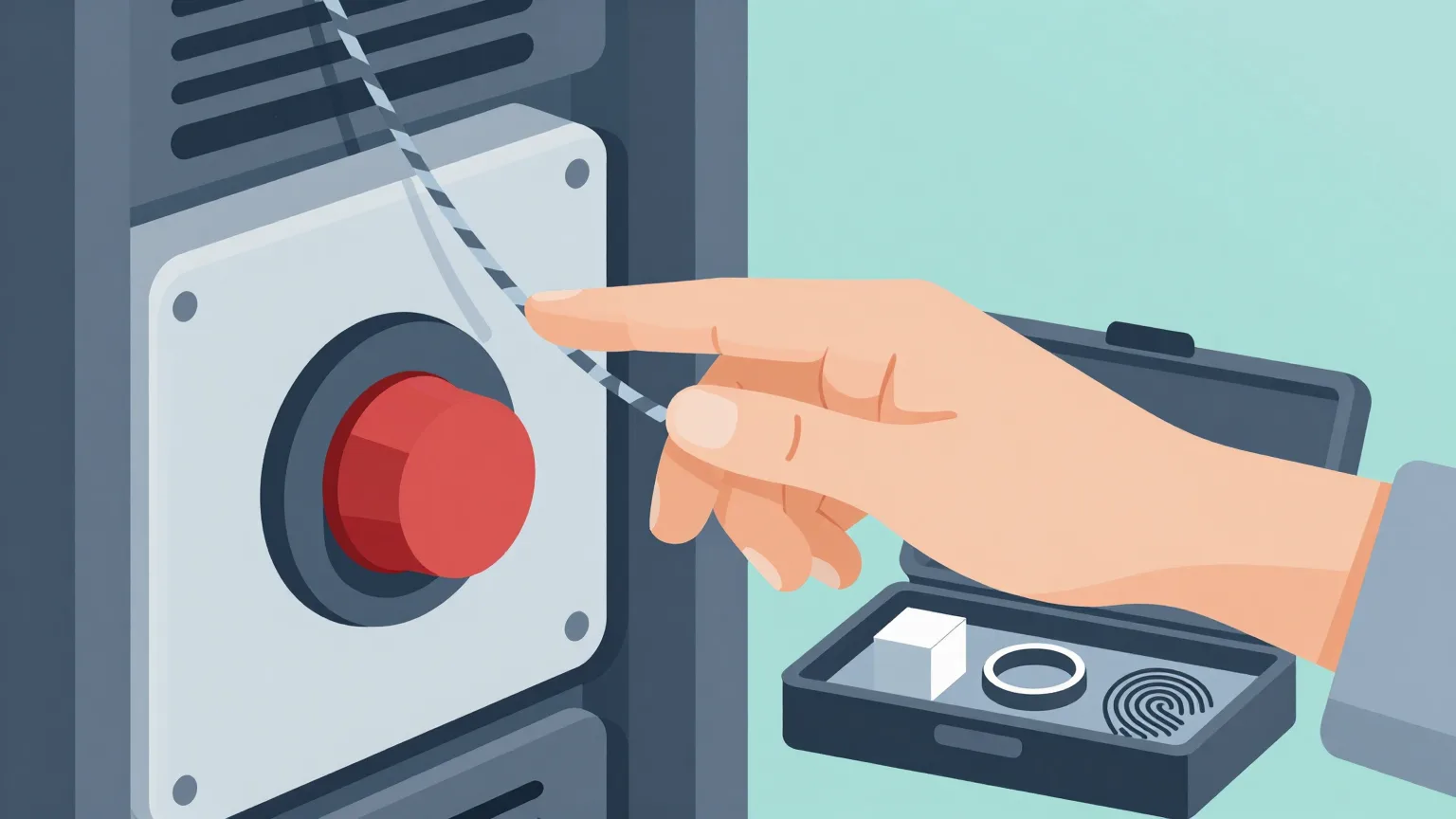
The more urgent the situation, the more you want to avoid these three things.
1. Immediately deleting suspicious files
Deleting them may look like a relief, but you lose the ability to trace when they were created, which processes used them, and whether they were accessed from outside. First, record the file paths, modification timestamps, owners, hashes, and related logs.
2. Restarting the server on impulse
Processes that exist only in memory, information about remote endpoints, and recent logs can be lost. Unless you need to stop clearly escalating damage, document the situation before restarting.
3. Stopping at a password change
Passwords are not the only route of compromise. If SSH public keys, API keys, SMTP credentials, analytics platform service accounts, scheduled jobs, web shells, or the like are left behind, the attacker can return through another entrance.
Lessons Learned from This Initial Response

A public site outage is better not treated as a mere display problem. Especially when there is unusual resource usage, unexplained changes, or concerns about credential management, you should structure your initial response as a security incident.
Rushing to recover and recovering carelessly are two different things. First document the current state, determine the scope of impact, and prepare to close the entrances used for re-entry. That order ultimately leads to the shortest path to recovery.
Next time, we'll cover how to check for signs of a breach and the backdoors that tend to be left behind for re-entry.