
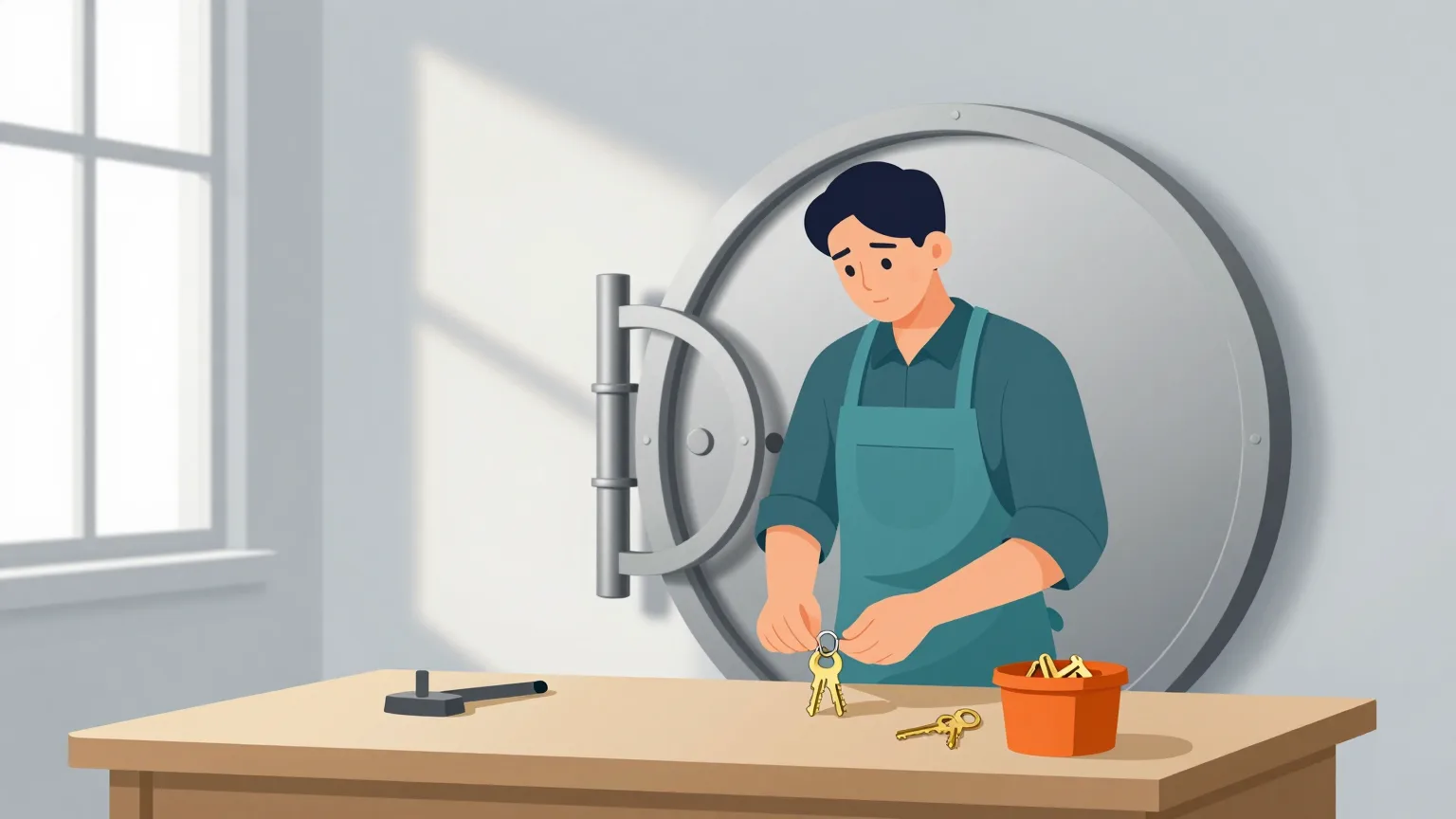
When a compromise is suspected, recovery does not end with removing anything suspicious. You must also invalidate any credentials the attacker may have already obtained and safely switch over to new ones.
In this round of recovery, we deleted unnecessary accounts and then inventoried the credentials tied to the server, including the server itself, email, analytics platforms, and so on.
What to delete first: unnecessary accounts and unnecessary privileges
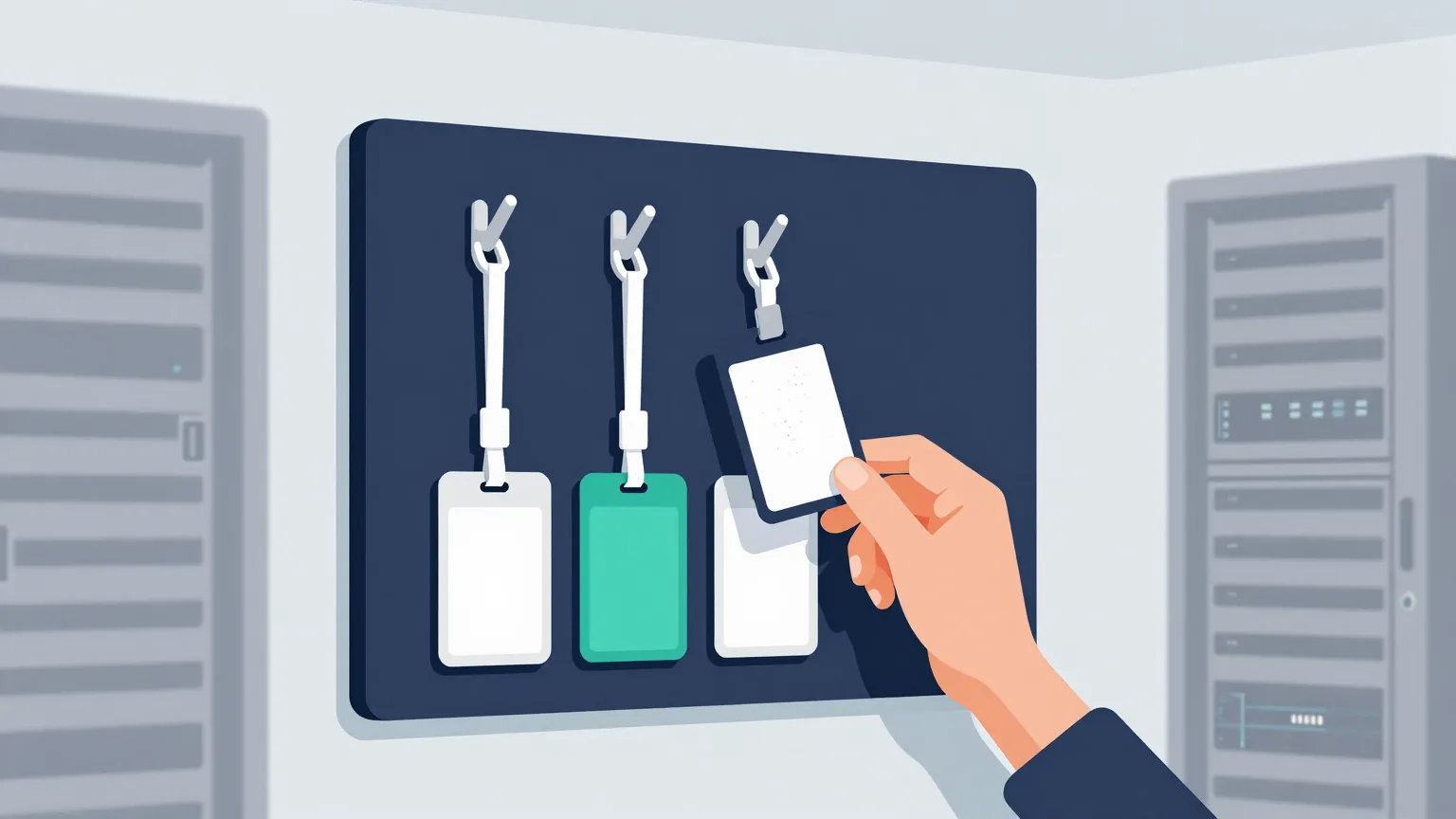
Any unneeded server account should be deleted unless there is a reason to keep it. Merely disabling it can leave risks behind, such as misconfiguration or accidental re-enablement later on.
Before deleting, however, check the following:
- Files owned by the account and any processes it is running
- Whether the account is referenced by scheduled jobs or service configurations
- Whether a legitimate operations staff member is still using it
- Whether all necessary logs and evidence have been preserved
Deleting an account is pointless if another account or SSH key with the same privileges remains. You need to look at the entire access path, not just individual accounts.
What to change next: passwords and SSH keys

The server's login password is not the only thing that needs changing.
- Administrator passwords for the VPS, OS, and CMS
- How SSH public and private keys are managed
- Credentials for databases and admin screens
- Tokens used for automated processes
Store new passwords in a password manager, and never reuse them across other services. For SSH, use key-only authentication where possible, and disable password logins and direct root login.
The key point here is to confirm that you can log in through the new administrative path before disabling the old keys or password logins. That way you avoid locking yourself out.
SMTP authentication: easily overlooked

If the SMTP credentials used for outgoing email were stored on the server, they are also subject to rotation.
If those SMTP credentials are abused, spam or phishing emails could be sent from your site. You could lose the reputation of your sending domain, making even legitimate email harder to deliver.
Once new credentials are issued, update the secrets file on the server and run a send test. After confirming everything works, deactivate and delete the old credentials. The important thing is not to keep the old and new ones running in parallel for long.
Analytics and cloud integration keys are also in scope

If service account keys for analytics or cloud APIs were reachable from the server, a leak cannot be ruled out.
In this response, we deleted the old service accounts and created new ones with only the minimum privileges required. Treat the new JSON key as a secret from the moment of download, and never place it in a public repository, shared folder, chat, or image.
Decide where it will be stored, and hand it to the application via a file path or a secrets management mechanism. Once operation is confirmed, delete it from temporary locations such as the downloads folder.
Recovery is the work of building a new relationship of trust

Revoke the old credentials, switch to the new ones, and verify actual email delivery, integrations, and logins. This is the core of recovery.
It is not enough for the site to display. Only when the old keys no longer work and the new keys run with the minimum necessary privileges is the foundation of recovery finally in place.
Next time, we will explain the procedure for checking whether any backdoors or suspicious persistence settings remain after the configuration changes.